Original Ceme IPTV Subscription | Fast Activation for Smart TV & Android TV


Price range: $1,00 through $38,00
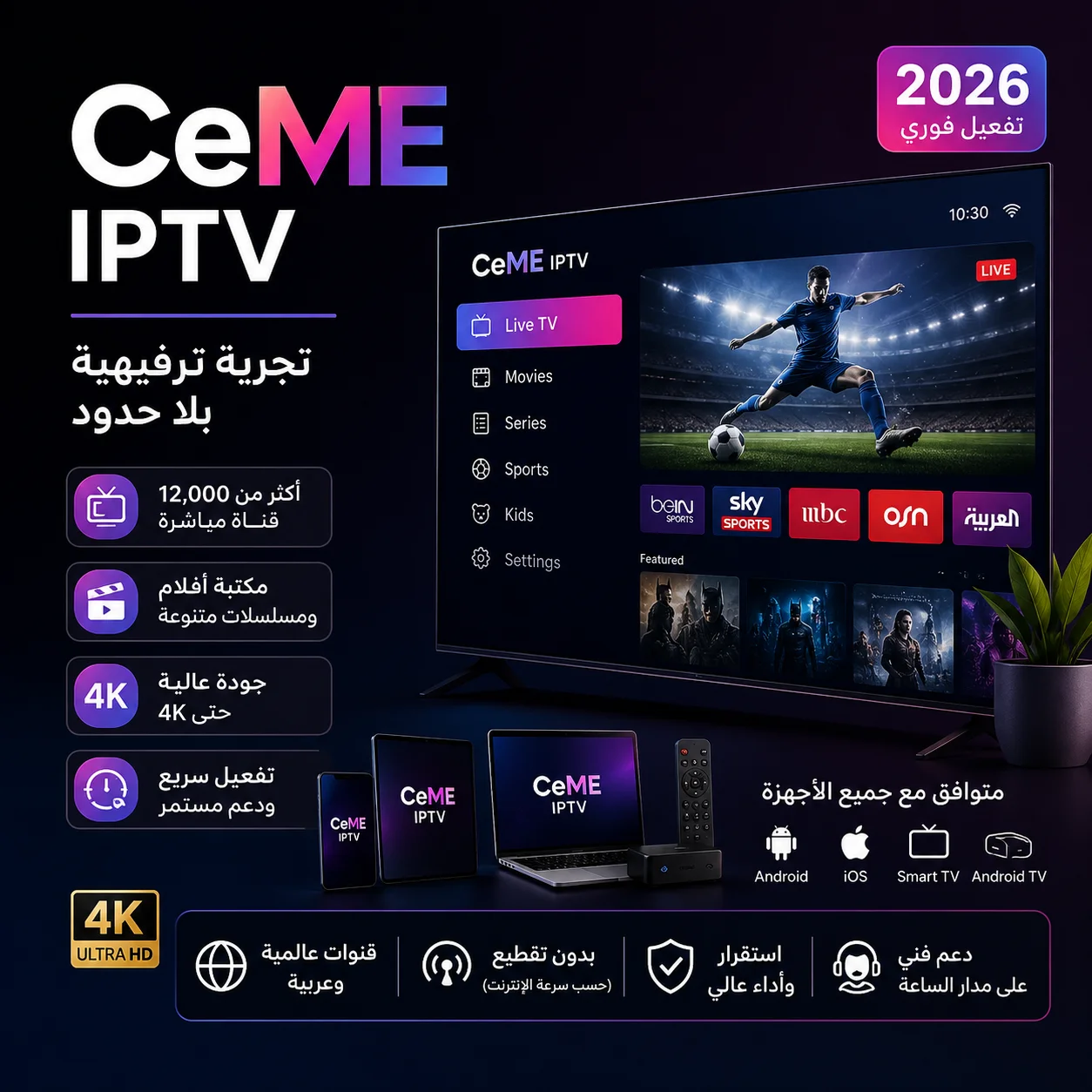
Enjoy a complete viewing experience with a Ceme IPTV subscription, giving you access to a wide range of channels and entertainment on all your devices.
Supports Smart TV, Android TV and smartphones, with fast activation and easy set-up.
- ✅ Instant activation: receive your details on WhatsApp right after payment.
Original Ceme IPTV subscription 2026
If you are looking for a flexible streaming service that works on many devices, a Ceme IPTV subscription offers a comfortable viewing experience, giving you access to varied online content on smart TVs, phones and streaming boxes.
The service is designed to be easy to use, with support for many apps and devices, so setting it up and running it is simple even for new users.
Main features of the Ceme IPTV subscription
✅ A wide range of varied channels.
✅ An entertainment library that is updated continuously.
✅ Compatible with Smart TV, Android TV and TV Box.
✅ Works on smartphones and tablets.
✅ Several viewing qualities depending on the content and your internet speed.
✅ Fast activation once your order is complete.
✅ An easy, smooth interface.
Download the Ceme IPTV app for smart devices
To use your Ceme IPTV subscription on Android TV, TV Box and smartphones, download one of the player apps from the official download page.
App download links
All Ceme IPTV apps are available here:
The page includes apps for different devices and operating systems, with several player options for Android TV, Smart TV and smartphones.
Download our new app (works with an active code, or a username and password)
here
Downloader code: 4081422
Download the iPhone app
here
Server code: 3433
Download the Windows app
here
https://ch8k.com/soft/apk/CeMe-v1-win.exe
📺 Installing on Android TV and TV Box
- Install the Downloader app from the app store.
- Open the app.
- Enter the app code 4081422
- Press GO.
- Wait until the download and installation are complete.
- Open Ceme Player or the recommended app.
- Enter your subscription details:
- Username
- Password
After logging in, the channels and content load automatically.
📱 Supported devices
The Ceme IPTV subscription works on:
- Android TV
- Google TV
- TV Box
- Android phones and tablets
- iPhone and iPad
- Compatible Smart TVs
- Computers through supported apps
💡 Tips for the best experience
- Use a stable internet connection.
- A fast Wi-Fi network or a wired connection is best for home devices.
- Keep the app updated to the latest version.
- Keep your subscription details somewhere safe so you can log in again when needed.
Easy to set up and run
Once you receive your subscription details, set up the service in a compatible IPTV app and enter your account details to start watching on your favourite device.
Why do users choose Ceme IPTV?
Many users look for services that are easy to use and work on all their devices. Ceme IPTV is a good choice for anyone who wants varied content on one platform with a flexible player experience.
Frequently asked questions
Does Ceme IPTV work on Smart TVs?
Yes, it runs on many compatible smart TVs.
Can I use the subscription on my phone?
Yes, it supports Android and iPhone through compatible apps.
How long does activation take?
Activation details are usually sent shortly after your order is confirmed.
Does it need technical experience?
No, you can set it up easily by following the basic steps.
| Subscription period | 24-hour trial, 3 months, 6 months, 12 months, 15 months, 24 months, 1-month subscription |
|---|
Related products



Subscriptions
Original ZAIN TV Subscription | Complete Family & Entertainment Plan (Instant Activation)
Subscriptions
Original DTC SAT TV Subscription – Rock-Solid Stability and 4K Quality (Instant Activation)
Subscriptions

Subscriptions


Subscriptions