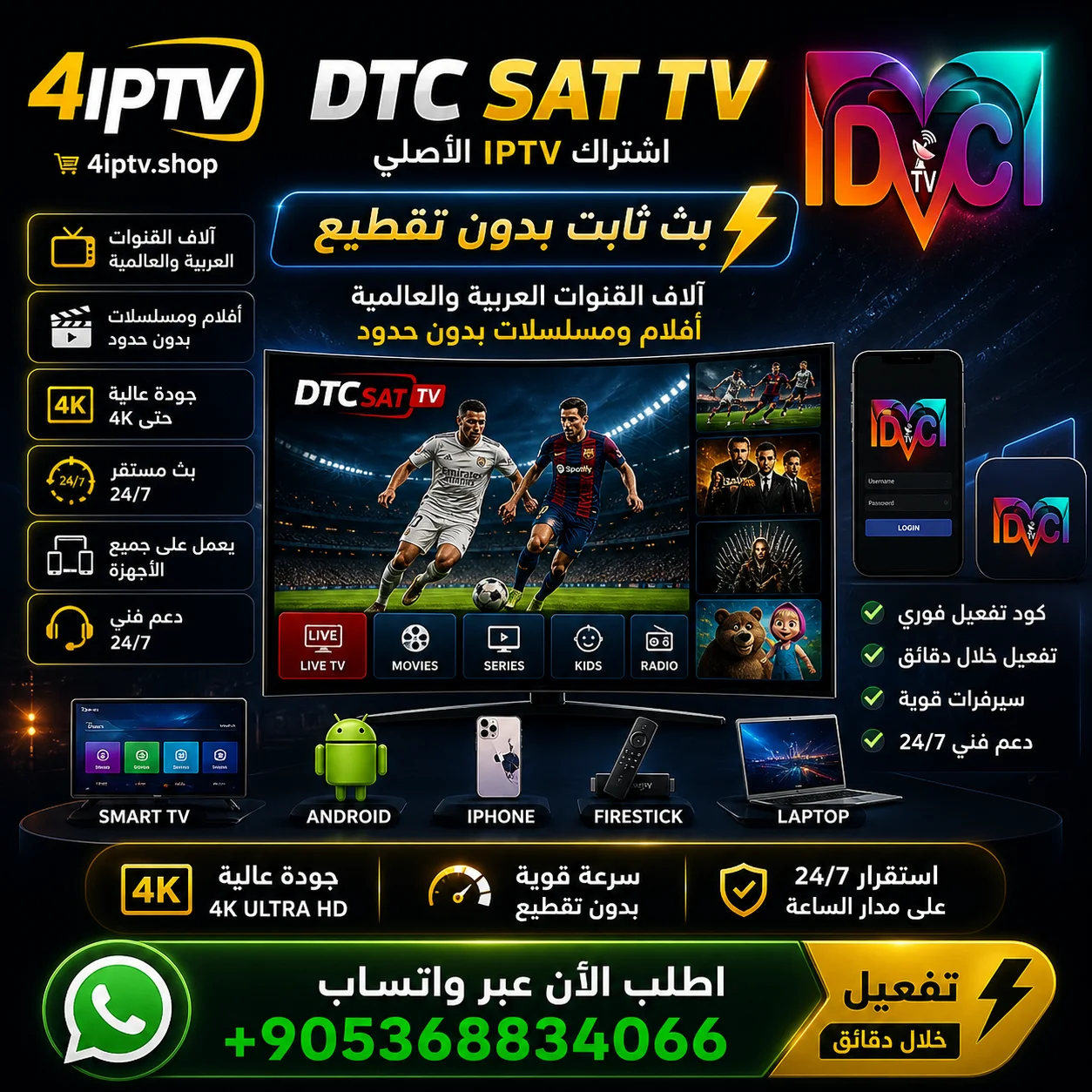
Original DTC SAT TV Subscription – Rock-Solid Stability and 4K Quality (Instant Activation)

Price range: $1,00 through $38,00
Take your viewing to the next level with the DTC SAT TV server:
- 💎 Outstanding stability: direct streaming sources that keep going during busy matches.
- 🎬 Huge VOD library: the latest subtitled international movies and series (updated daily).
- 🚀 Official app: available on Google Play for safety and speed.
- 📺 Superb resolution: full 4K and FHD support on every plan.
- ✅ Instant activation: receive your details on WhatsApp right after payment.
What is a DTC SAT TV subscription?
A DTC SAT TV subscription is one of the strongest digital streaming servers, combining satellite channels and internet streaming on one platform. The server has its own streaming sources to avoid buffering during international matches, a huge library of movies and series in Ultra HD, and an official app that is easy to install from Google Play.
Your complete guide to the DTC SAT TV subscription:
The first choice for enthusiasts
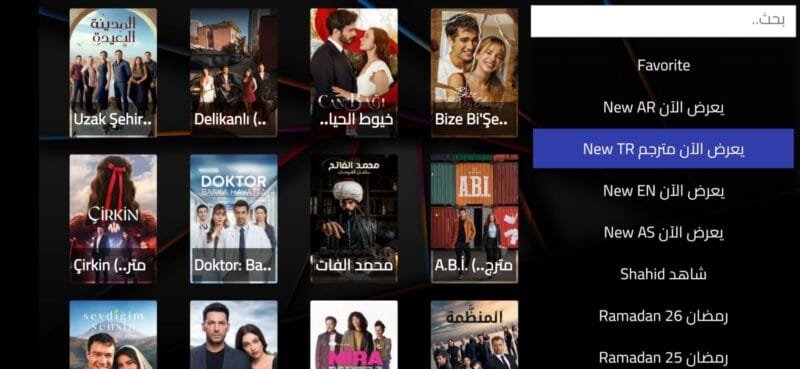
If you are looking for stability and high quality, DTC SAT TV is the option leading the field right now. The server was developed to meet the latest streaming standards, giving you a unique cinema experience at home.
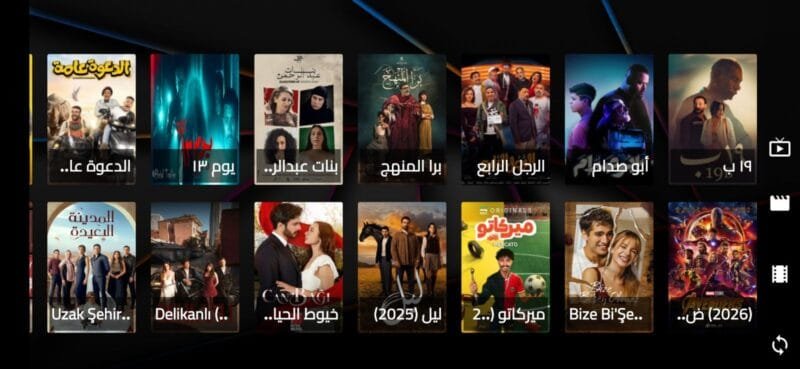
Main features of the DTC SAT TV server:
- Complete sports packages: all international sports channels in several qualities to suit every internet speed.
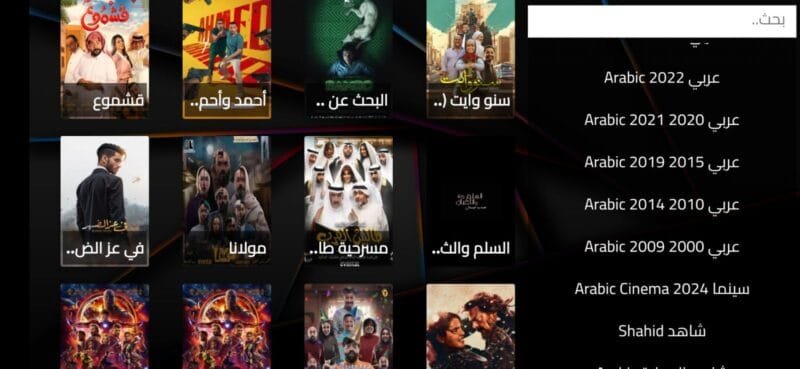
- Smart interface: a modern design that makes it easy to move between channels and libraries.
- Support and updates: a dedicated team keeps links updated and adds new content continuously.
- Full coverage: entertainment, kids, documentaries and international channels arranged in easy-to-reach groups.
📥 How to download and run the DTC SAT TV app
The fastest ways to get the official app and start watching:
- From Google Play (Android):
Download directly and safely from the official link: DTC SAT TV on Google Play. - With the Downloader app (smart TVs and Firestick):
Open Downloader and enter the code 590061 to get the APK file directly.
❓ Frequently asked questions
- Does DTC SAT TV work on iPhone? Yes, the server supports popular iOS IPTV apps such as Smarters Player.
- Does the subscription include adult channels? The subscription is family-friendly and safe, and packages can be customised when you buy.
- What internet speed do I need? 10 Mbps or more gives you real 4K without buffering.
💡 Golden tips for the best performance from your DTC SAT TV subscription
To get the most out of your DTC SAT TV subscription and avoid technical problems at peak times, we recommend these guidelines for stable viewing:
- Use an Ethernet cable: if you watch on a smart TV, connect the device with a cable rather than Wi-Fi whenever you can, to keep the data flow steady and prevent buffering caused by signal interference.
- Update the apps regularly: always use the latest version of the app — new updates include back-up links that switch on automatically during big matches.
- Restart your router: we recommend restarting your router once a week to clear its memory and improve responsiveness with international servers.
- Choose the right player: on Apple devices, use players that support hardware decoding to improve picture quality and reduce the load on your device.
| Subscription period | 24-hour trial, 3 months, 6 months, 12 months, 15 months, 24 months, 1-month subscription |
|---|
Related products

Subscriptions

Subscriptions

Subscriptions
Original ZAIN TV Subscription | Complete Family & Entertainment Plan (Instant Activation)

Subscriptions