
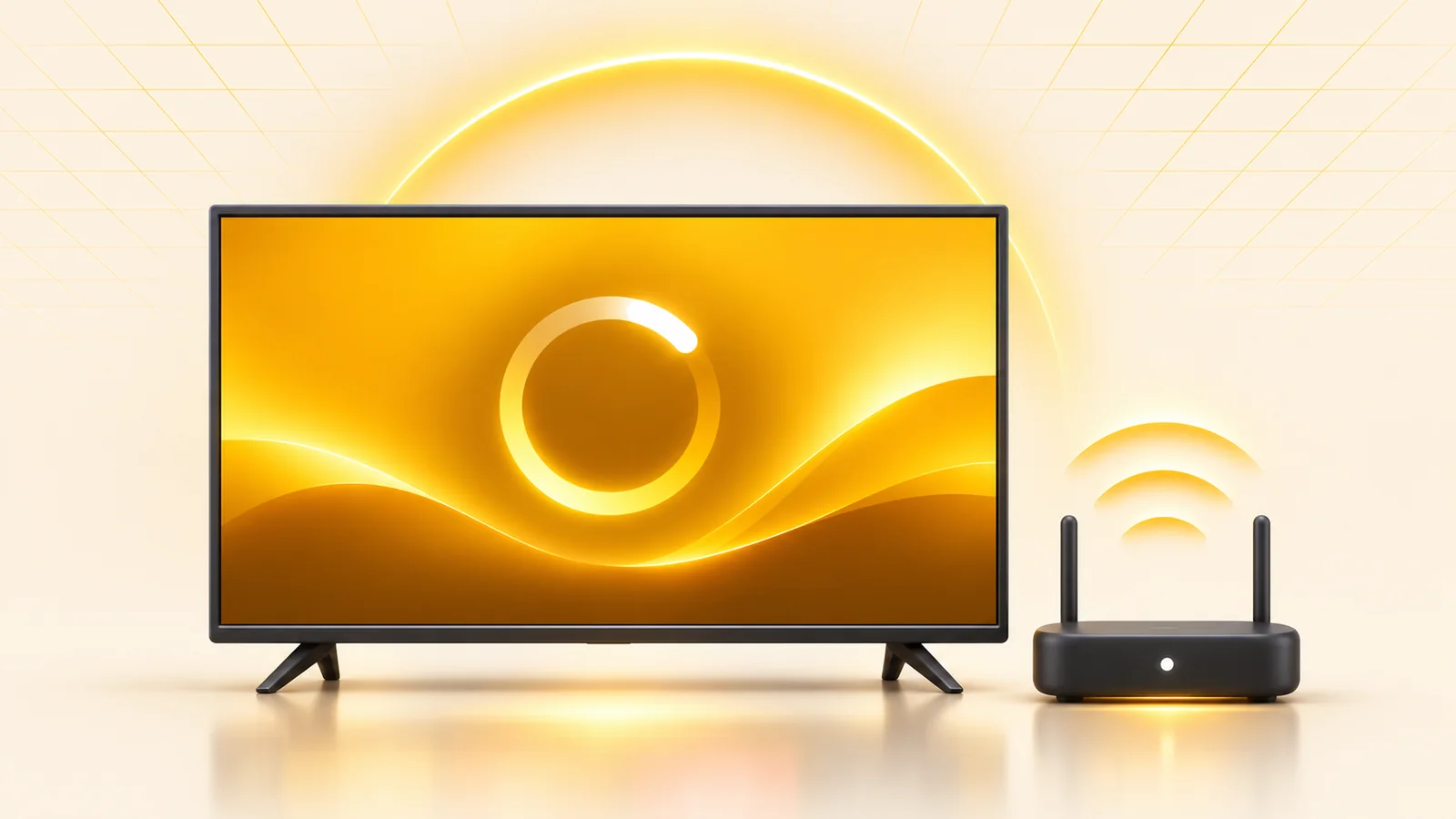
Buffering while watching IPTV is the most annoying problem for viewers, especially during important matches. Before deciding that the subscription itself is the problem, it helps to know the real causes.
In short: buffering usually comes from server load at peak times or a weak connection. Choose a server with several sources, use a cable, and lower the quality temporarily when your connection is weak.
Common causes of buffering
- Internet speed: IPTV in high quality generally needs a stable connection of at least 15–25 Mbps.
- Wireless connection (Wi-Fi): a direct wired connection (Ethernet) is more stable than Wi-Fi for fixed devices such as TVs.
- A weak server: this is the most common cause, and one the viewer has nothing to do with — a server that cannot handle heavy load during a big match buffers for every viewer at the same moment.
- An old or outdated player app: it is always best to update the app or restart it if the buffering continues.
How do you choose a server that doesn’t buffer?
The real solution is not changing your router or provider, but choosing a server built from the start to handle heavy load. At 4iptv.shop, these subscriptions are designed specifically for that purpose:
- Lion Speed subscription: 99.9% stability, designed specifically to get through the load of big matches.
- DTC SAT TV subscription: combines an internet source with a backup satellite source so it keeps going under load.
- Shamna subscription: equipped with Anti-Freeze technology.
- BLUE 4K subscription: multiple VIP servers with instant switching between them.
Before committing to any of them for a long period, start with a short plan and test the stability yourself during a real match.
Quick steps to reduce buffering right away
- Restart the router (turn it off, then on again).
- Use a direct (cable) internet connection instead of Wi-Fi as far as possible.
- Close other apps that use the internet in the background while you watch.
- Try lowering the stream quality temporarily (from FHD to HD) if your internet speed is limited.
- If the problem continues on a stable internet connection, the cause is most likely the server itself and not you — that is the time to switch.
Related articles
- Ceme vs Lion Speed vs Shamna: which is best for you in 2026?
- IPTV subscription buying guide: everything you need to know before subscribing
- Cheap IPTV subscription: the best prices for 2026
- How to activate an IPTV subscription on Smart TV, Android TV and FireStick (step by step)
- The best IPTV player apps compatible with our subscriptions: Smart IPTV, SET IPTV, BOB Player and more