
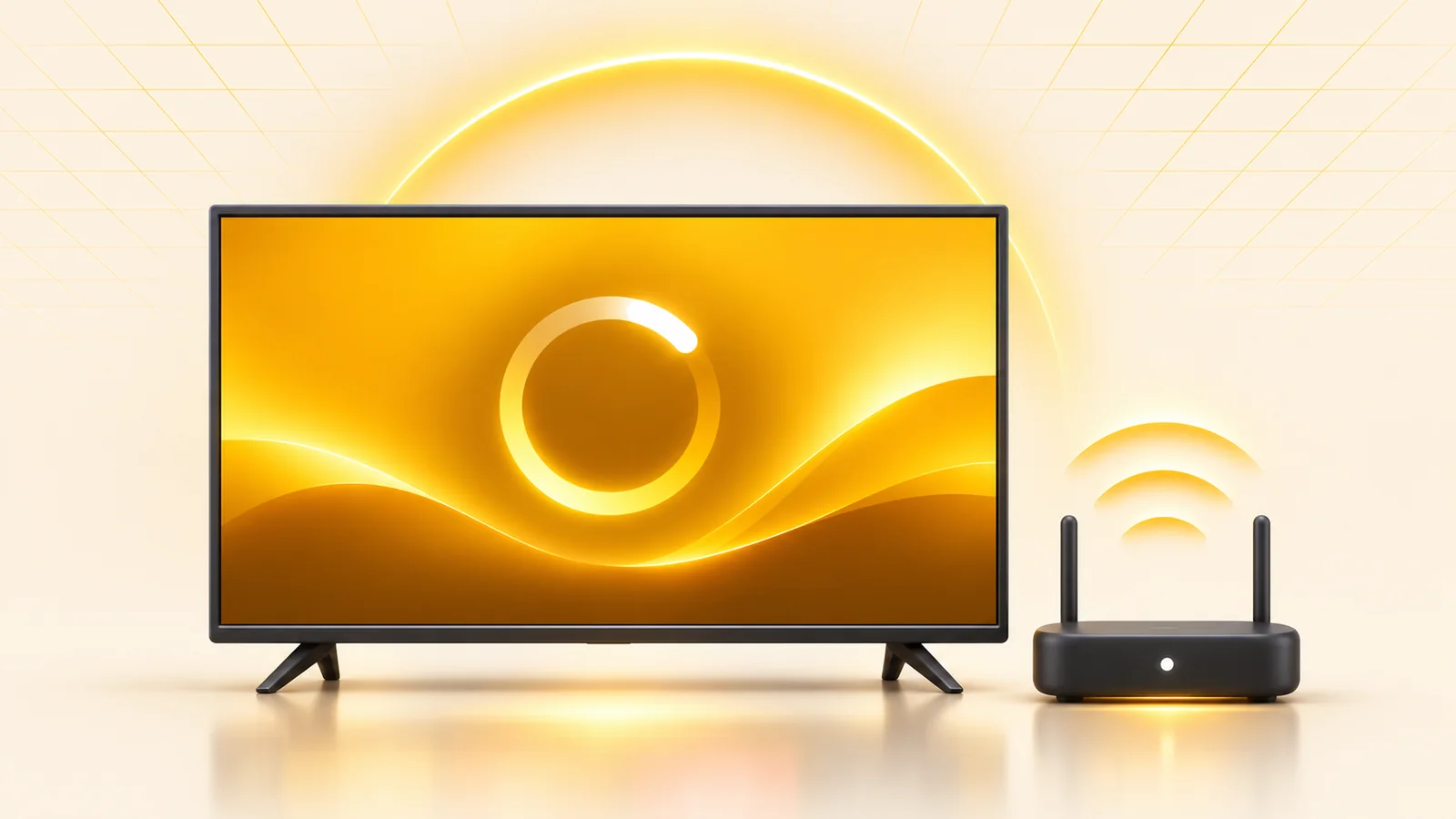
A Shamna subscription relies on dedicated servers to reduce buffering, but viewing quality is also affected by your internet connection and your device. If you notice Shamna buffering, try the following steps in order.
In short: most Shamna buffering comes from the internet connection or the device. Restart the router, use a cable, drop to HD at peak times, and message support with the channel name if it continues.
Steps to fix buffering
- Check your internet speed. HD needs a faster connection than low quality, and FHD needs more. Run the speed test on the same device you watch on.
- Lower the quality temporarily. The subscription supports FHD and HD, and HD is more stable on a slow connection.
- Restart the router and the device. A simple step that solves many problems.
- Use a cable instead of Wi-Fi on TVs where possible.
- Close apps running in the background on your phone or tablet.
- Reduce network usage while watching, such as downloads, gaming and device updates.
- Make sure the subscription is open on one device only. The subscription works on one device at a time, and signing in on another device may cause problems on the first.
Does it only buffer at certain times?
If the buffering only appears during matches or in the evening, the cause may be congestion on your internet network. Try a lower quality at that time, and note the channel where it happens so support can help you.
If the problem continues
Contact support on WhatsApp from the website; it is available every day from 10 AM to 10 PM. Send them your device type, the channel name and the time of the problem. After renewing, review the Shamna renewal steps to make sure you are signed in with the correct details.
Read also
For general fixes, read how to fix IPTV buffering. And if you are thinking of subscribing, test the quality on your own network first with the one-dollar trial of the original Shamna subscription.